

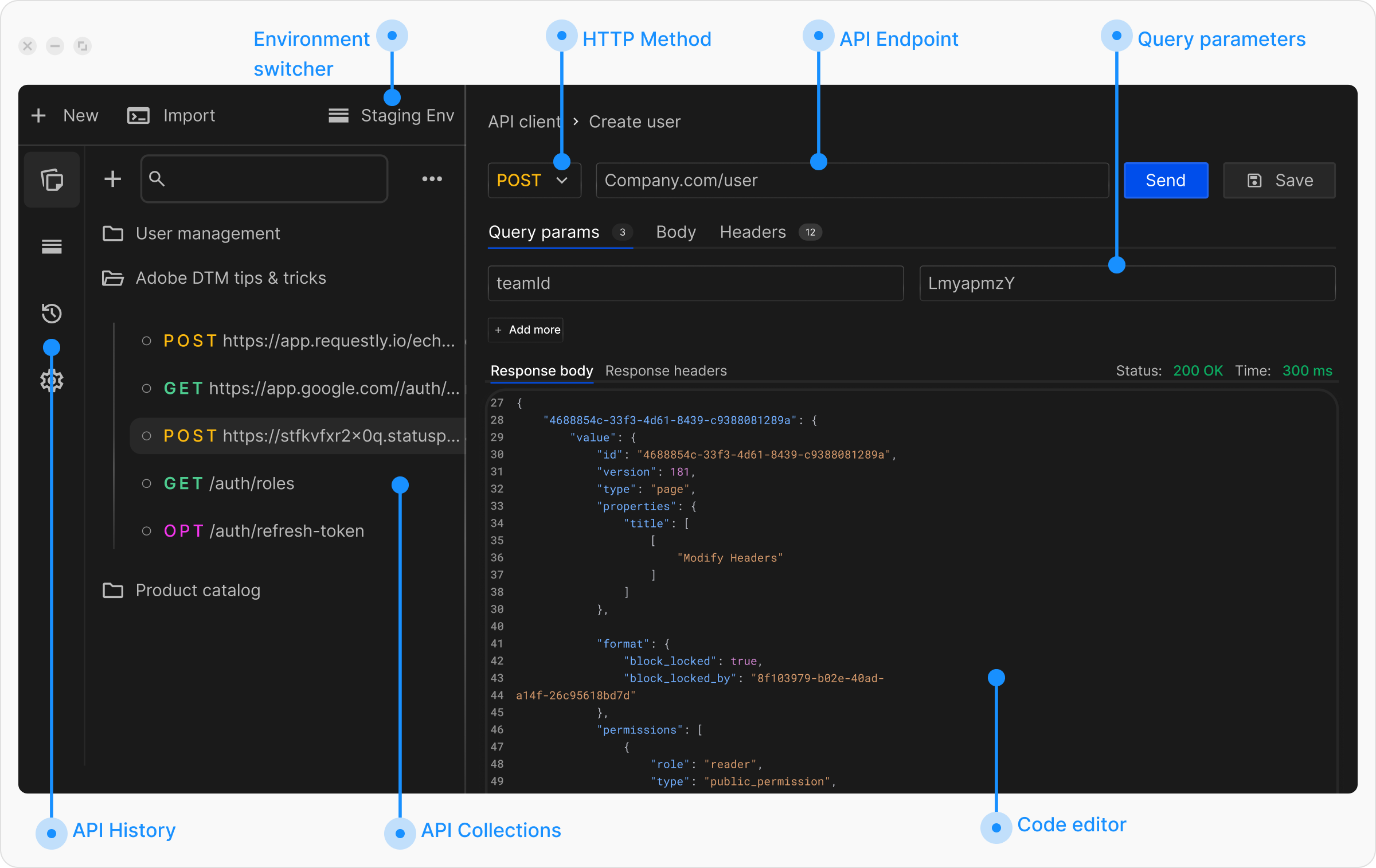
Get Started with Sending Requests
If you have not sent a request before, review the Sending Your First Request guide before continuing. Explore the topics below to learn how to send API requests in Requestly:- To understand the basics of building requests, including selecting HTTP methods, entering URLs, and interpreting response status codes, see Configure Request.
- To learn how to add query parameters, path variables, and request body data in formats such as JSON, form data, and file uploads, see Parameters and Body Data.
- If your API requires specific headers or authentication tokens, learn how to configure them in Request Headers.
- Export requests as code snippets in multiple languages such as JavaScript, Python, and cURL. Learn more in Generate Client Code.
- If your API requires identity verification or access control, review the Authorization Guide.
- Use collections to group related requests for better organization and collaboration. Learn more in API Collections.
- Variables allow you to reuse data across requests and switch values based on environments such as development, staging, or production. See Variables and Environments.
- Add JavaScript code to run before sending requests or after receiving responses to automate workflows and extract data. Learn more in Scripts.
- Write automated tests to validate API responses and ensure reliability. See Tests.
- Export requests as code snippets in multiple languages such as JavaScript, Python, and cURL. Learn more in Generate Client Code.
What’s Next?
Configure Your First Request
Start by learning how to configure HTTP methods and URLs
Add Parameters and Body
Learn to add query params, path variables, and request body
Quick Start Guide
Follow our complete quick start guide for beginners